

Fire Kirin Download: How to Download the App on Android and iOS
Read our guide on Fire Kirin download to learn how to get the app on Android and iOS. Also, what to do when downloads fail and how to log in after.
By Jarret Smith
2026-08-28
Jarret Smith
2026-05-28
Content table
Adding money to Riversweeps online means funding your BitSpinWin account, then directing that deposit toward Riversweeps play credits. The process is straightforward: register on BitSpinWin, navigate to the deposit section, select Riversweeps, and pay with Bitcoin, Litecoin, Dogecoin, or CashApp. This guide walks through every step of how to add money to Riversweeps online, covers each payment option, and troubleshoots the most common deposit issues.
Players ready to get started can visit Riversweeps 777 on BitSpinWin to learn more about the platform’s exclusive features, games, and registration process.
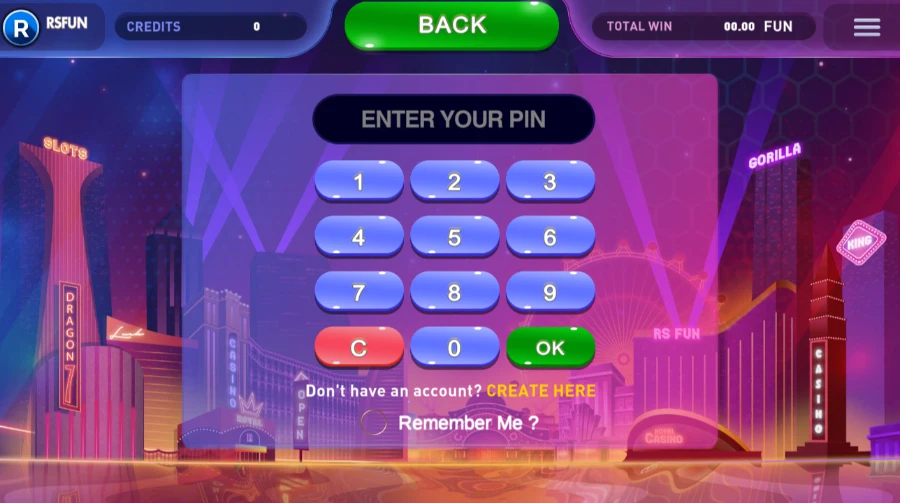
When players search for how to deposit money on Riversweeps, they are typically looking to fund play credits, which are virtual currency used within the Riversweeps gaming platform. BitSpinWin serves as the operator layer: it holds the account, processes deposits, and credits the Riversweeps cashier balance. No funds go directly to the Riversweeps software itself.
Deposits made through BitSpinWin are converted to play credits on the Riversweeps platform. These credits are used for gameplay across 77+ Riversweeps games: slots, fish table games, and keno. Credits are not cash and cannot be withdrawn directly; they are the in-platform currency for sessions.
BitSpinWin accepts Bitcoin, Litecoin, Dogecoin, and CashApp for Riversweeps deposits. Crypto deposits come with fast processing and no platform-level fees. For a broader overview of payment options, see the payment methods guide.
The Riversweeps online deposit flow on BitSpinWin runs through the account cashier, a dedicated section accessible after login. Understanding the structure before depositing prevents the most common errors.
You need a BitSpinWin account before you can make a deposit. Registration requires name, email, and date of birth, and the process takes less than 2 minutes. Age verification (21+) applies. Existing users log in directly.
After logging in, navigate to the Deposit section via the account dashboard. The cashier displays all available payment methods (Bitcoin, Litecoin, Dogecoin, and CashApp) alongside the platform selection. Select Riversweeps as the destination platform before proceeding.
The Riversweeps deposit process covers four steps, from login to credits appearing in the Riversweeps lobby. The minimum deposit is $10. Crypto deposits typically complete within 10 to 30 minutes.
Log in to bitspinwin.co with your registered credentials. From the account dashboard, tap or click Deposit to open the cashier interface. If this is your first deposit, ensure email verification is complete before proceeding.
The cashier displays Bitcoin (BTC), Litecoin (LTC), Dogecoin (DOGE), and CashApp as available deposit options. For crypto, select the cryptocurrency you hold in your external wallet. A unique wallet address is generated for the transaction, so do not reuse addresses from previous deposits.
Enter the deposit amount in USD. For crypto, the system converts to the selected cryptocurrency at the current exchange rate and displays the equivalent crypto amount before confirmation. The minimum deposit is $10. Review the converted amount before confirming, since crypto exchange rates update in real time and the displayed rate locks at confirmation.
Transfer the exact amount of crypto from your external wallet to the displayed BitSpinWin wallet address. BTC and LTC deposits typically confirm within 10 to 30 minutes, depending on network congestion. DOGE deposits may confirm faster. Credits appear in the Riversweeps lobby automatically after blockchain confirmation, with no manual refresh required. If you chose CashApp, complete the payment as the cashier instructs.
Once you complete the transaction, you can download the Riversweeps Android app and start playing the best games on your mobile device.
iPhone users can download the Riversweeps iOS app to play on their device.
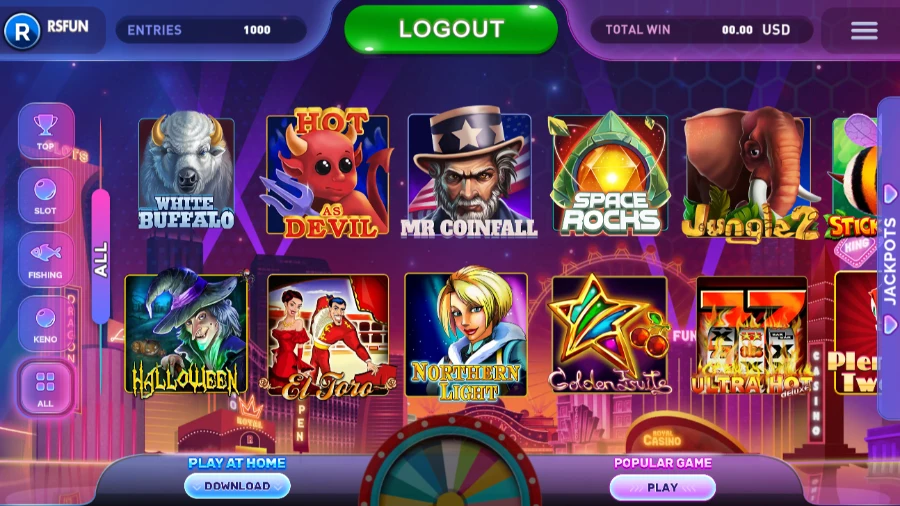
BitSpinWin's Riversweeps payment methods are Bitcoin, Litecoin, Dogecoin, and CashApp. Each method routes through the Riversweeps fund account cashier and converts to play credits, with crypto deposits converted at the confirmed exchange rate.
Bitcoin is a popular Riversweeps BTC deposit option, as the most widely held crypto. BTC deposits typically confirm in 10 to 30 minutes and incur no platform-level fee. Blockchain network fees from the sending wallet apply and vary by network congestion. If you don't currently hold Bitcoin, buy it through a crypto exchange before initiating a deposit.
Litecoin processes faster than Bitcoin and typically carries lower blockchain network fees. LTC is a practical alternative for players who prioritize deposit speed. The conversion to Riversweeps play credits works the same way as BTC: select LTC at the cashier, transfer from your wallet, and the credits appear after confirmation.
Dogecoin often confirms faster than the other two crypto options. DOGE transaction fees are typically low, which suits smaller deposits near the $10 minimum. DOGE is widely available on major exchanges. The cashier process mirrors BTC and LTC.
CashApp is also available as a payment method at the BitSpinWin cashier. Select CashApp when you choose how to pay, then follow the on-screen instructions to complete the payment. Processing time and limits for this method are shown in the cashier, so check them before you confirm.
Most Riversweeps deposit online issues are resolved without contacting support. Match the issue below for the fastest fix.
If two transactions appear for a single intended deposit, contact BitSpinWin support immediately with both transaction IDs. Do not attempt a third transfer. Support can trace the blockchain confirmations and reconcile the credit balance against confirmed deposits.
Identity verification may be required on the Riversweeps cashier for larger deposits or at the point of withdrawal. BitSpinWin notifies players when KYC steps are triggered, and the process does not block initial deposits below the threshold.
KYC verification is typically triggered at withdrawal rather than at deposit. First-time withdrawals above a stated threshold require identity confirmation. Having documents ready before initiating the first withdrawal prevents processing delays.
A government-issued photo ID and proof of current address are the standard requirements. Submit documents through the BitSpinWin account portal. BitSpinWin handles data in accordance with its privacy policy and uses documents only for identity verification.

BitSpinWin may offer a first-deposit bonus for new players that increases the initial Riversweeps add credits value, giving you more play credits than your deposit. The bonus applies to the Riversweeps balance, not to withdrawable funds.
New players can also start Riversweeps with the Free Play bonus, which is credited to your Bonus Balance. It needs no deposit and has no wagering requirement. You will need to complete verification first, which means a photo of the front of your ID plus a selfie of you holding that ID, and winnings can be withdrawn once that is done.
First-deposit bonus credits may carry playthrough requirements, meaning you must play a minimum amount before the bonus credit balance counts toward any redemption threshold. Free Play has no wagering requirement. Expiry windows may apply. Read the current terms before claiming.
Claim your First Deposit Bonus
Time passes quickly during a gaming session. Before you deposit, decide how long you intend to play, and check in with that limit once you are in the lobby. A budget decision made before a session is more reliable than one made during it. If you notice play extending beyond what you planned, that is the right moment to stop, not later. Support is available if you want to speak with someone about your relationship with gaming. This content is not legal advice.
The following questions cover the most common searches about how to add money to Riversweeps online.
Register at BitSpinWin, navigate to the Deposit section in the cashier, select Riversweeps as your platform, choose Bitcoin, Litecoin, Dogecoin, or CashApp as your payment method, enter the amount, and complete the payment (for crypto, transfer from your external wallet). Credits appear after confirmation, typically within 10 to 30 minutes for crypto.
Yes. BitSpinWin accepts Bitcoin (BTC), Litecoin (LTC), and Dogecoin (DOGE) for Riversweeps deposits. Crypto deposits are fast and carry no platform-level fees. If you don't own crypto, you can buy it through a crypto exchange before visiting the BitSpinWin deposit page, or choose CashApp at the cashier.
Allow up to 30 minutes for blockchain confirmations. Check the sending wallet's transaction history to confirm the transfer was completed successfully. If credits haven't appeared after 30 minutes and the transaction is confirmed, contact BitSpinWin support with the transaction ID.
BitSpinWin accepts Bitcoin, Litecoin, Dogecoin, and CashApp for Riversweeps deposits. See the full overview on the BitSpinWin crypto payment options page.
Yes. The minimum deposit is $10 across all payment methods. The cashier displays the current minimum before confirming the transaction.
Bitcoin and Litecoin deposits typically confirm within 10 to 30 minutes, depending on network congestion. Dogecoin deposits may confirm faster. All three crypto methods require blockchain confirmation before credits appear, and the process is automatic, requiring no manual action after you send the transfer. For CashApp, check the processing time shown in the cashier.
You will need to acquire Bitcoin, Litecoin, or Dogecoin from an exchange before making a crypto deposit on BitSpinWin. Buy your preferred cryptocurrency through a crypto exchange, transfer it to a personal wallet, then initiate the deposit from that wallet to the BitSpinWin address shown in the cashier. CashApp is also available as a payment method at the cashier.
KYC verification is typically triggered at withdrawal, not at deposit. Initial deposits below the verification threshold are processed without identity documents. Have a government-issued ID and proof of address ready for the first withdrawal request.
BitSpinWin does not charge platform-level fees on crypto deposits. Blockchain network fees from the sending wallet apply and vary by network and congestion level. Dogecoin and Litecoin typically carry lower network fees than Bitcoin. For CashApp, check the cashier for any applicable fees.
BitSpinWin offers a first-deposit bonus for new players. Claim your first deposit bonus by adding funds to your gaming account.
Read our guide on Fire Kirin download to learn how to get the app on Android and iOS. Also, what to do when downloads fail and how to log in after.
By Jarret Smith
2026-08-28

Complete Tai Chi Master 777 download securely via BSW. Step-by-step APK install guide, troubleshooting tips, and safe source verification for Android users.
By Jarret Smith
2026-06-04

Learn how to download Fire Master Casino. Complete APK installation guide, security checklist, tips, and official access to Fire Master 777.
By Stacy Carmen
2026-06-02