
Casino Terms Every New Player Should Know
Casino terms explained in plain English: RTP, house edge, volatility, wilds, free play, playthrough, and more, with quick examples. Start with the A to Z.
By Jarret Smith
2026-10-21
Jarret Smith
2023-06-29
Content table
With mobile casinos, you can play slots, fish tables, and keno directly on your phone, often through your browser. BitSpinWin is a social online casino where a single account gives you access to over 30 platforms. This guide explains how to get started on iPhone and Android, from logging in for the first time to choosing between a mobile app and a browser setup.
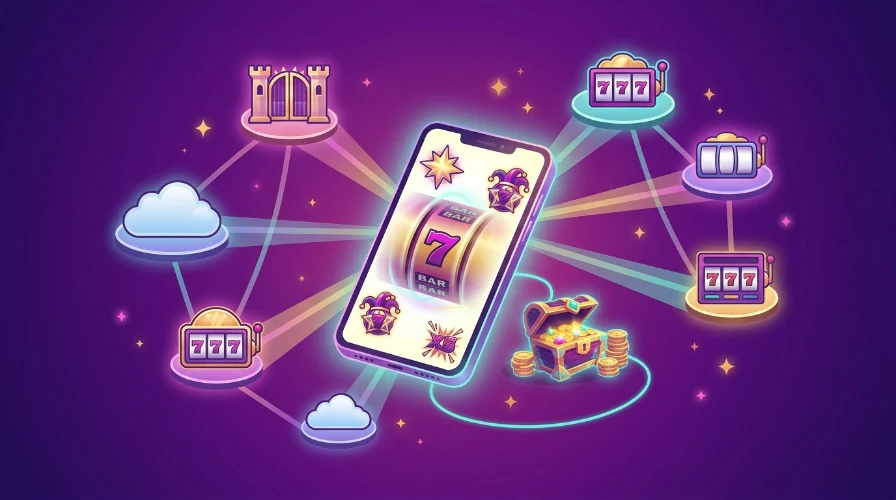
Mobile casinos work on your phone the same way they do on a computer. You set up one account, add credit, and then open a platform in your phone’s browser or through an app. At BitSpinWin, your single account works for every platform on the site.
Each platform has its own login details. After you choose a platform and place an order, you’ll receive a username, password, and a link to that platform’s game lobby. You can open the lobby in your browser, and some platforms also offer an app.
Here is the basic flow on a phone:
Your BitSpinWin account manages deposits, your Bonus Wallet, and withdrawals, while the platform handles the games. This setup is important on a phone, since you might use one tab or app for your account and another for the game lobby. Each platform has its own balance. Any coins you add to one platform will stay there.
Most players can start playing in the browser without installing anything. Apps are helpful if you use one platform a lot and want quick access from your home screen. Here’s a comparison of both options:
|
|
Browser |
App |
| Install | Nothing to install | APK file on Android, outside the app stores |
| Storage | Almost none | Usually 50 to 150 MB per platform |
| Updates | Automatic when the site changes | You download and install each new version |
| iPhone support | Works in Safari or Chrome for most platforms | Rarely available, because the App Store does not carry these apps |
| Speed | Depends on your connection and browser | Can feel smoother on long sessions |
There are two kinds of apps to know about. BitSpinWin has its own Android app for your account, linked as Download App in the site menu. Separate platform apps, such as an Android APK for Ultra Panda or any other available platform, run the games themselves.
On iPhone, you’ll mostly use the browser. You can also save a platform to your home screen from Safari, so it opens from an icon just like an app.
For the platforms that do offer an app, the casino app download guide lists the download steps for each one.
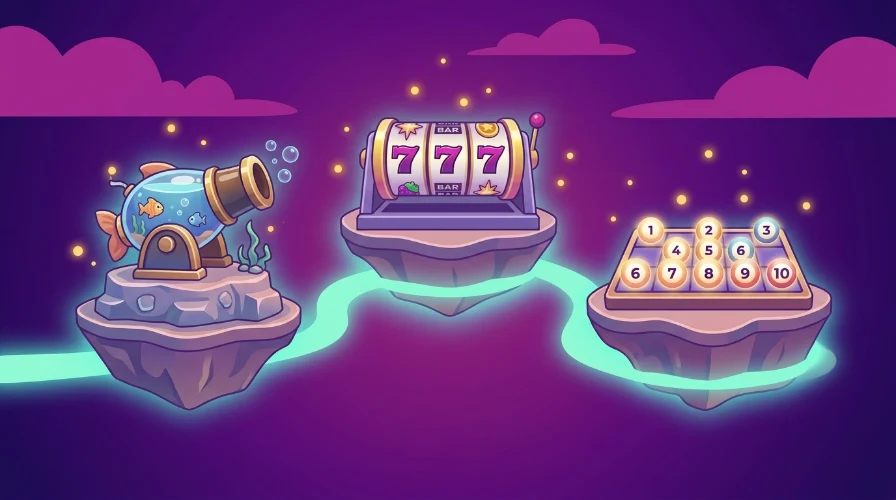
Most mobile casino games are designed to fit your phone screen, but some types work better than others on a small display.
Fish tables are very interactive, and many players try them first. You tap to aim a cannon at moving fish, and each shot uses credits. These games need your attention and a stable connection. Using a larger phone or tablet can make aiming easier. Fish games also use more data and battery than slots because the screen is always active.
Slots are the easiest format on a phone. You choose a coin value, tap to spin, and the game does the rest. Slots also use less data, making them a good option if you’re on mobile data. For more details, check out the mobile slots guide.
If you want a slot to try first, Fortune Cash is one of the games featured on BitSpinWin's best games page.
Keno is a number draw. You pick your numbers, the game draws its own, and matches are scored based on the paytable. Keno is good for short sessions and works well on small screens since there isn’t much to tap. Several BitSpinWin platforms offer keno along with fish tables and slots.
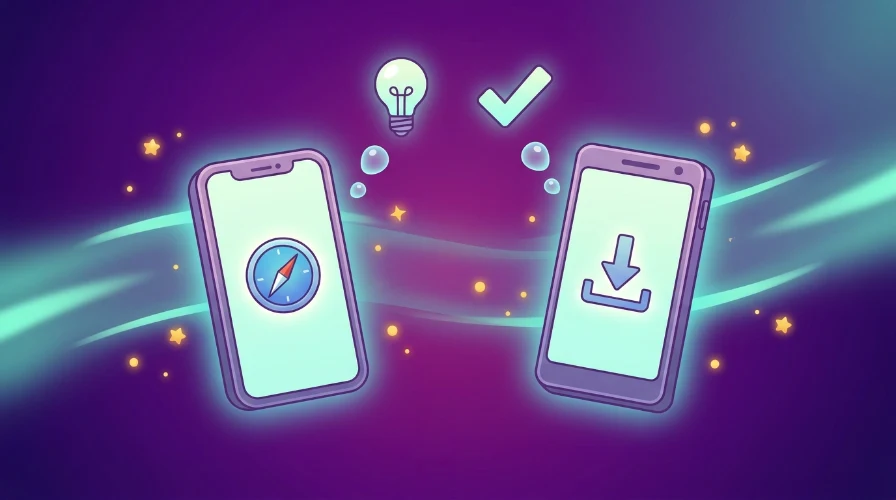
iPhone and Android work a bit differently with mobile casinos. iPhone users usually play in the browser, while Android users can choose between the browser and installing an APK.
On iPhone:
The guide to Juwa on iPhone shows the home screen setup step by step.
On Android:
The Orion Stars guide for Android walks through a full APK install.
Battery and data:
The best mobile casinos for you meet a few basic requirements. Before signing up, check for these things:
Read about BitSpinWin's responsible play tools before you start.
Avoid sites that skip verification, rush you to deposit, or hide their terms. A legitimate platform will never ask for your password in a message or on social media.
Here is how to start a casino session on your phone at BitSpinWin without adding your own money:
Free Play has no playthrough and no expiry. The full rules are on the Free Play terms page. Verification time depends on the photos you upload. A clear, well-lit picture of your ID can help your account get approved on the first try.
You can play mobile casino games in your phone’s browser on most platforms. Just open the platform link from your account email in Safari or Chrome, and the game lobby will load without needing to install anything. Some platforms are app-first, and each platform’s page will tell you which ones.
Mobile casinos work on iPhone through the browser on most platforms. The App Store doesn't carry these apps, so you play in Safari or Chrome. You can also save a platform to your home screen and open it from an icon like an app.
A casino APK is safe to download if you use the official link from your account. Files from third-party sites can be changed and are risky. Always check the permissions before installing, and turn off 'Install unknown apps' when you’re done.
You can start at a mobile casino on BitSpinWin without a deposit by using $20 in Free Play. This is added to your Bonus Wallet after your account is verified and works on any platform. If you want a bigger balance, you can add your own funds later.
Mobile play makes it easy to play anywhere, so setting limits is important. Choose a budget and a time limit for each session, and stop when you reach either one. If playing stops being fun, you can get help at 1-800-GAMBLER.
This content is not legal advice.
Casino terms explained in plain English: RTP, house edge, volatility, wilds, free play, playthrough, and more, with quick examples. Start with the A to Z.
By Jarret Smith
2026-10-21

Best crypto casino sites compared on funding speed, coin support, account terms, and library, with the criteria published before the shortlist.
By Jarret Smith
2026-09-21

An online casino bitcoin deposit explained step by step: wallet setup, network fees, confirmation timing and the errors that cost people funds.
By Stacy Carmen
2026-09-11